Clone the style of any TikTok or Reel
Saw a video you loved? Paste its link and Xtarify makes a new one about your topic, with the same hook, pacing and visual style.
Nov 8, 20263 min read
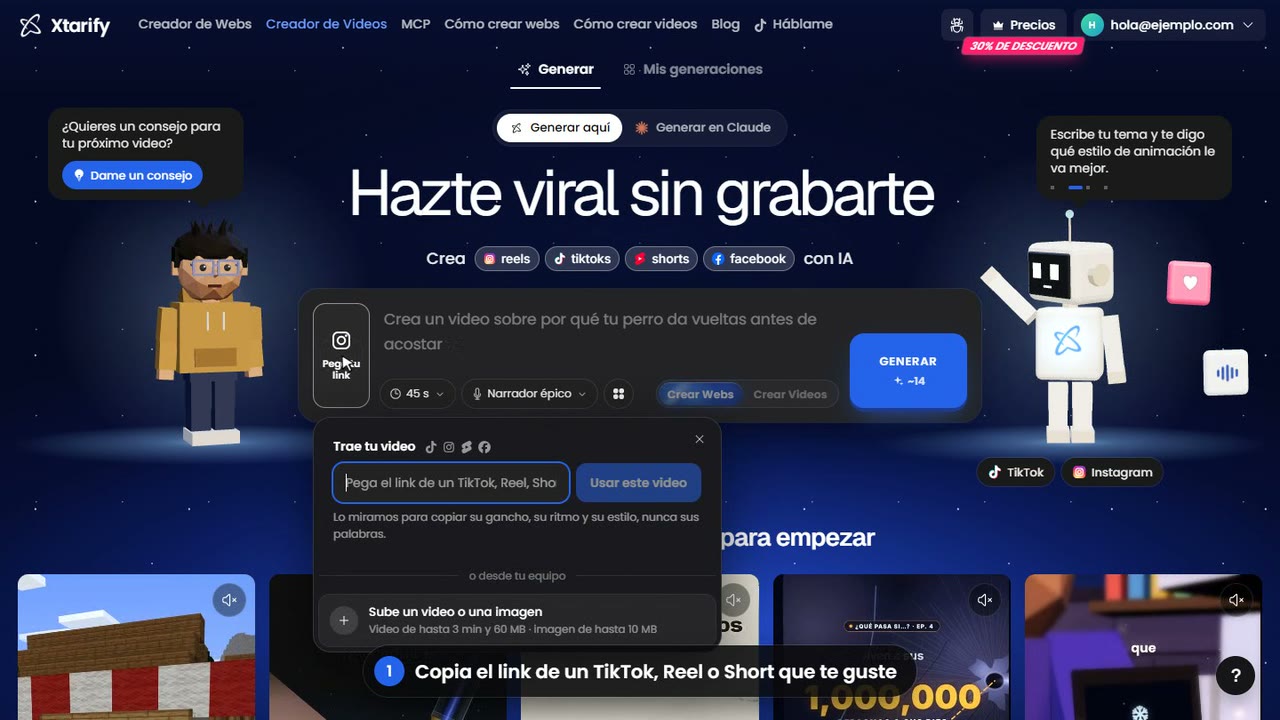
A lot of the time you know exactly how you want your video to look because you’ve already seen one like it. With "Paste your link" you show that video to Xtarify and it makes a new one, about your topic, in the same style.
What it takes from the video, and what it doesn’t
- It takes the hook: how it opens and what question or promise it makes in the first few seconds.
- It takes the pacing: how long each scene lasts and how the story moves forward.
- It takes the visual style: colors, kind of drawing or animation, framing.
- It never copies its words, its jokes or its story: your video is about your topic.
Step by step
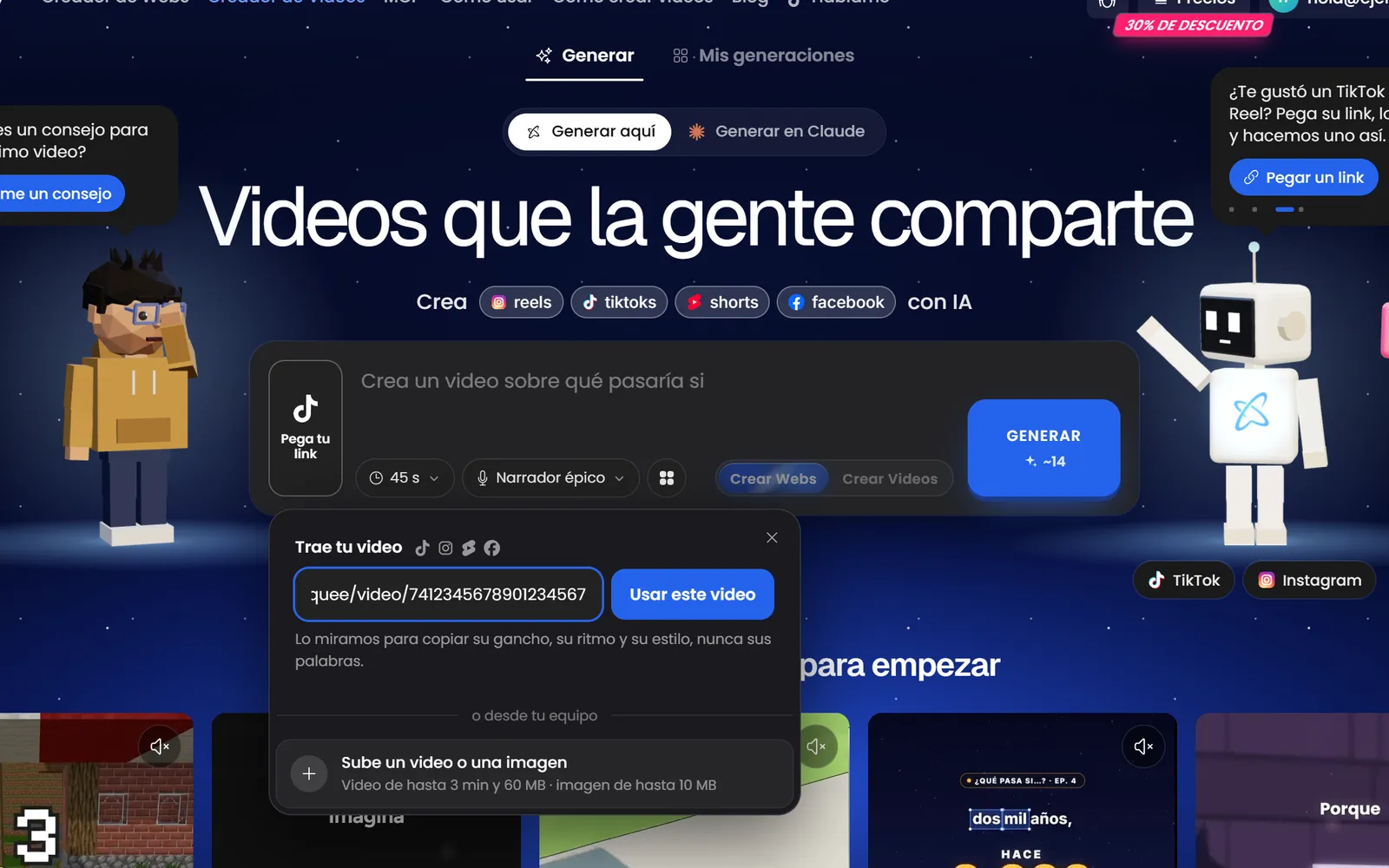

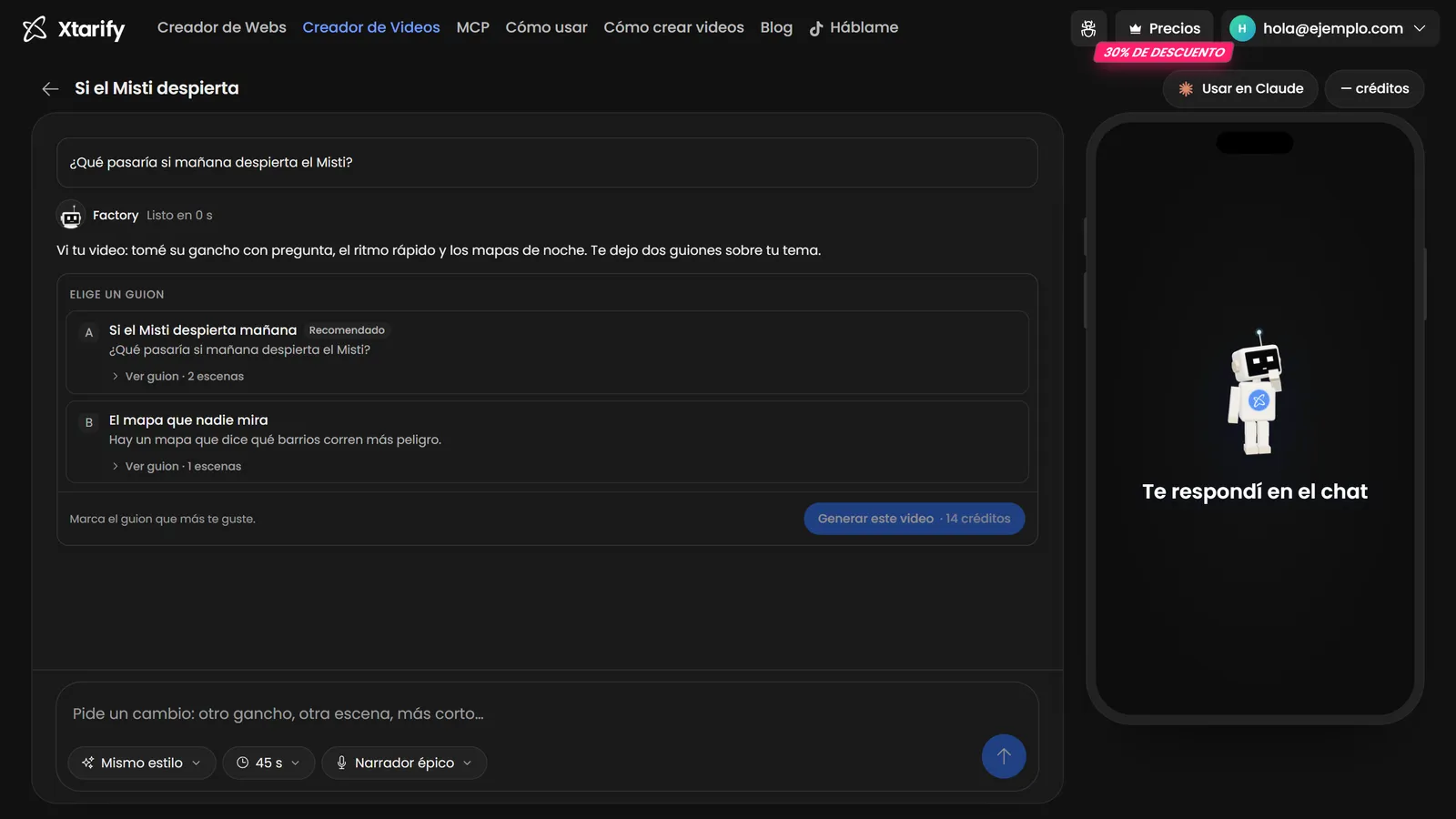
If you have the video saved, you can also upload it from your device (up to 3 minutes and 60 MB), or upload an image (up to 10 MB) so Xtarify picks up its drawing style and colors.