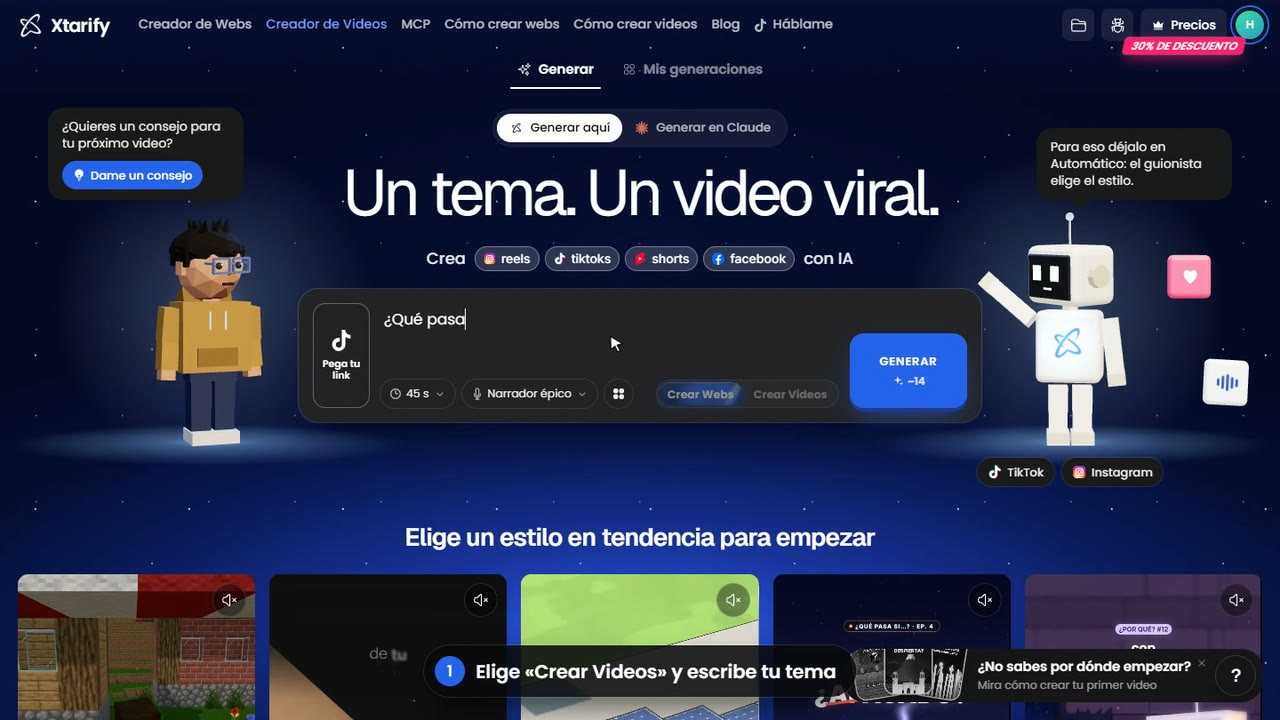
How to choose your video’s style
More than 25 styles for explainer videos: which one to pick for your topic, and when to let Xtarify choose for you.
Nov 6, 20264 min read
The style is the first thing someone sees when they come across your video, and it changes how long they keep watching. The Create Videos library has more than 25; these are the ones that work best for each kind of topic.
By topic
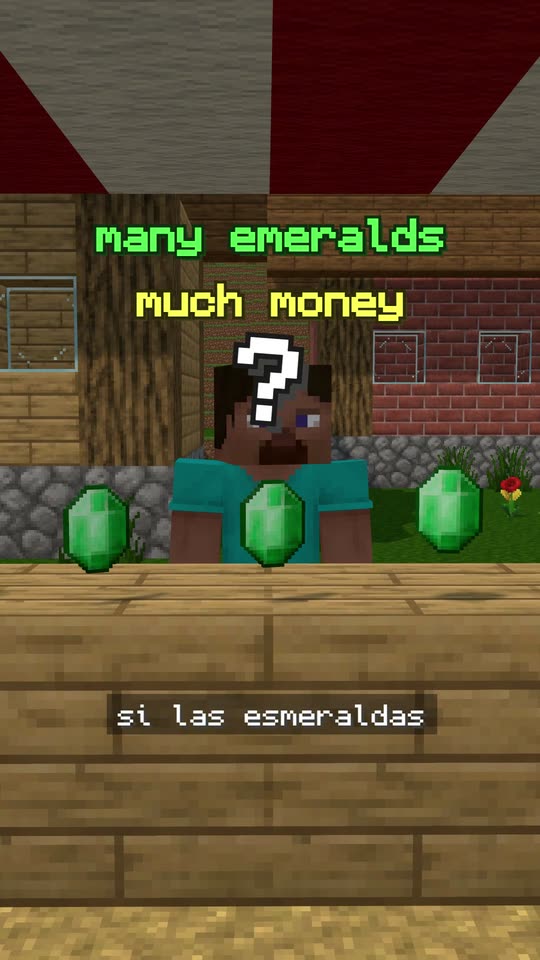
- Money, economics and stories with characters: Explained in Minecraft.
- How something in your home works, machines and vehicles: Drawn explainer or 3D teardown.
- "What would happen if…?" in your city, volcanoes and earthquakes: Alert in your city.
- Technology and the stuff in your phone: Low poly sketch or Retro terminal.
- Mysteries and science told like a case: Noir comic.
- Animals and nature: Clay, Knitted world or Watercolor.
- Why something happens, physics explained: Chalkboard.
- Viruses, bacteria and what lives on your things: Neon microbes.
- Impossible numbers and growth: Growing chart.
When to let Xtarify choose
If you don’t pick one, Xtarify chooses the one that best fits your topic. It’s a good option when you don’t have a clear look in mind: it reads your whole topic and compares it with what each style does best.
And if none of them clicks
Bring your own style: paste the link of a video you like or upload one, and Xtarify clones its hook, its pacing and its visual style.