Make your videos from Claude
Connect Xtarify to Claude once and ask for your videos in the chat, with the same credits.
Nov 7, 20263 min read
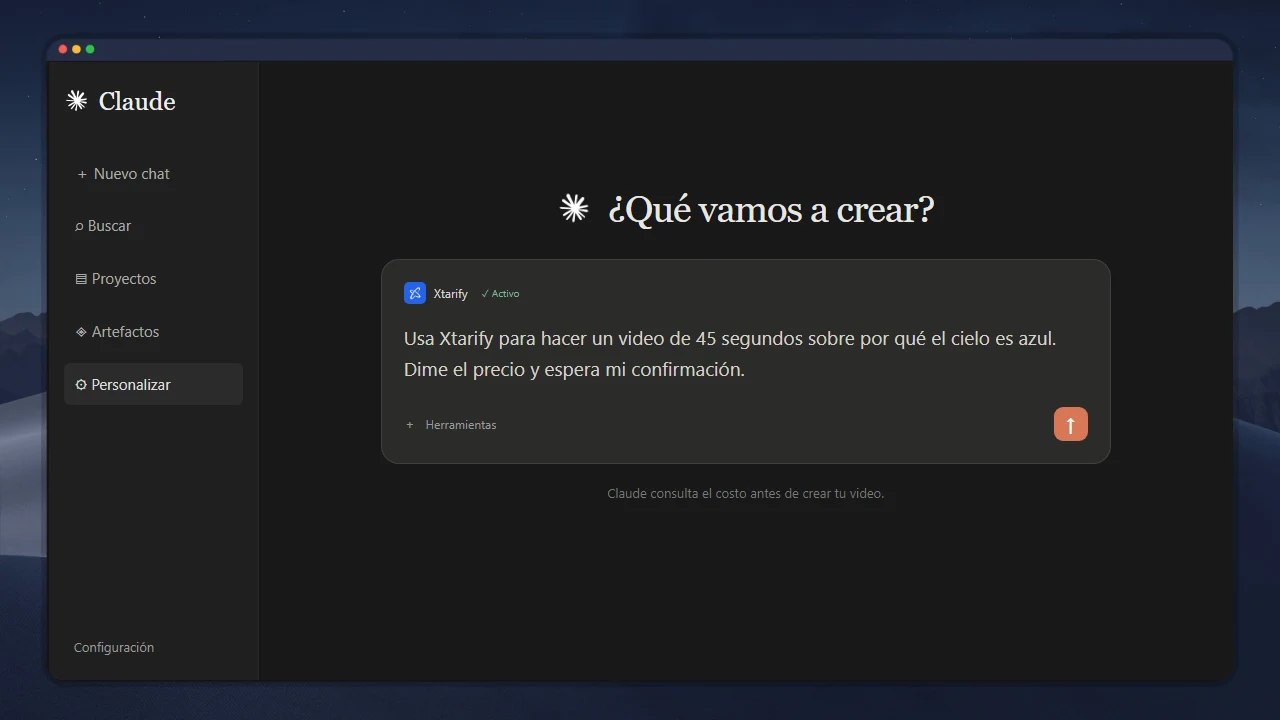
If you already work in Claude, you can ask it for your videos right there. Xtarify plugs in as a connector (MCP), and Claude takes care of requesting the video, showing you the style and letting you know when it’s ready.
Connect it once
- On the Create Videos card, tap "Generate in Claude".
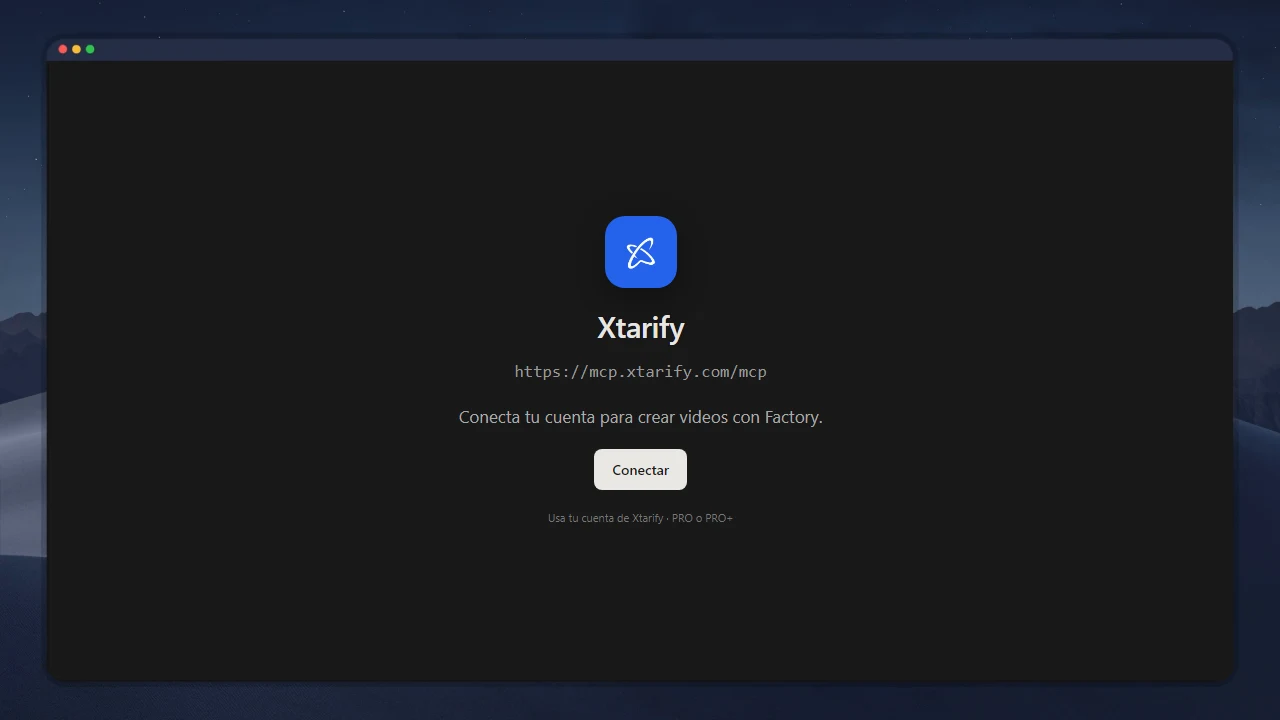
- Tap "Connect Xtarify MCP to generate": Claude opens the connector already filled in.
- Log in to Xtarify and approve the connection.
Ask in the chat
Write something like "make me a 45-second video with Xtarify about why cats knead". Claude tells you how many credits it costs, waits for your OK and sends you the video link with its captions when it’s done.
Making videos from Claude comes with Xtarify’s paid plans and uses the same credits as the website.